
I think the next big coding skill is not prompting harder.
It’s learning how to safely manage agents doing real engineering work in parallel.
🔥 The Big One
Cursor explained why cloud agents are harder than they look

This one is worth reading slowly.
Cursor’s point is that a cloud agent is not just “Cursor, but running somewhere else.” The environment, dependencies, secrets, repo setup, terminal access, branch strategy, and feedback loop all become part of the actual product experience.
That’s exactly where agentic development is heading: less chat, more managed execution environment.
“The development environment is the product.” — Cursor
🛠️ What I’d change in my workflow this week
If I was rebuilding my AI coding setup from scratch today, I’d stop thinking in terms of “Which model is best?” and start thinking in terms of agent operating discipline.
-
Give every agent a narrow job — “Fix this auth bug” is too vague. “Reproduce the failing login test, identify the smallest backend change, and do not touch UI files” is much better. Scope is the new prompt engineering.
-
Make the environment part of the spec — Cursor’s cloud agent lesson is spot on here. If the agent can’t install, test, run, and inspect the app properly, the agent is basically guessing.
-
Review agent output like a senior engineer — Don’t just read the final summary. Check the diff, tests, assumptions, skipped edge cases, and files it touched.
-
Use different agents for different jobs — One agent can implement, another can review, another can write tests, another can inspect docs. The win is orchestration, not one magic chat box.
-
Add containment rules before speed rules — Permissions, sandboxing, secrets, prod access, destructive commands, and repo boundaries matter way more once agents can act for longer.
“The development environment is the product.” — Cursor
⚡ What shipped this week
1. OpenAI Codex is becoming a default layer across teams
OpenAI’s Codex update is interesting because it frames Codex less like a single coding assistant and more like something that can fit into many roles, tools, and workflows.
That matters because AI coding is becoming less about “developer uses assistant” and more about teams creating repeatable agent workflows.
5 million weekly Codex users is not a small side quest anymore. This is mainstream developer infrastructure now.
“More than 5 million people now use Codex every week.” — OpenAI

2. Claude Code dynamic workflows push coding into managed agent operations
For the last year, most of us have treated AI coding tools like a smarter autocomplete or a chat window beside the codebase.
Ask a question. Get a diff. Accept or reject. Repeat.
But this week made something click for me: the industry is moving past that.
OpenAI, Anthropic, Cursor, GitHub, and VS Code are all converging on the same idea: agents are no longer just helping you write code. They’re starting to operate across repos, terminals, issues, branches, canvases, schedules, reviews, and custom environments.
That means the new developer advantage is not “who can write the best prompt.”
It’s who can supervise agent work without letting the blast radius get out of control.
“Claude Code has a new ‘dynamic workflows’ feature that allows it to tackle very large-scale problems.” — Anthropic
3. GitHub Copilot is turning agent work into canvases
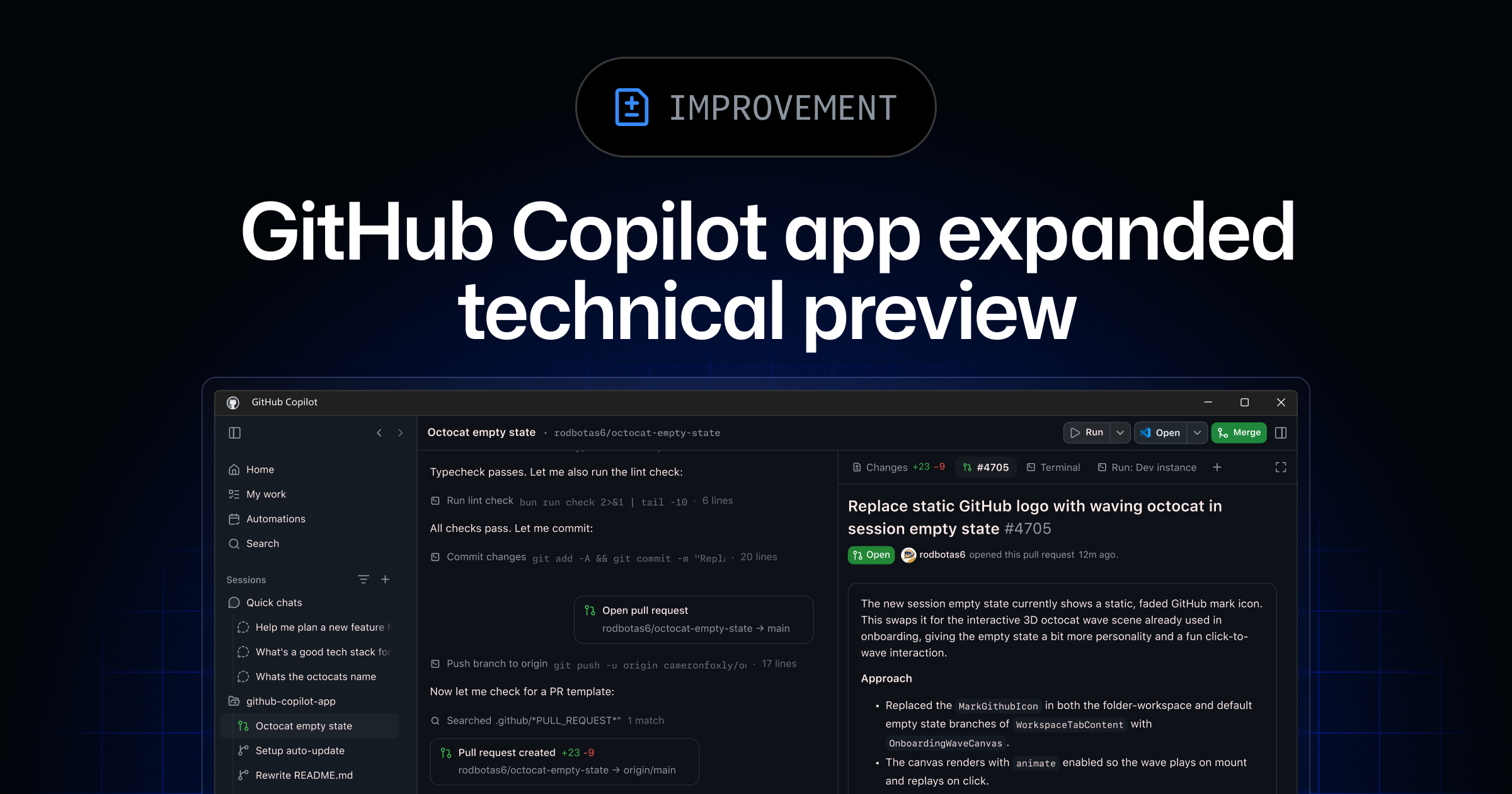
GitHub’s Copilot app preview is a big signal.
Canvases sound subtle, but the shift is important: humans and agents need a shared workspace where plans, code, context, decisions, and follow-up work can move in both directions.
That’s much closer to “engineering manager for agents” than “chat with autocomplete.”
“Canvases are bidirectional work surfaces for humans and agents.” — GitHub
4. Copilot CLI now has a built-in critic
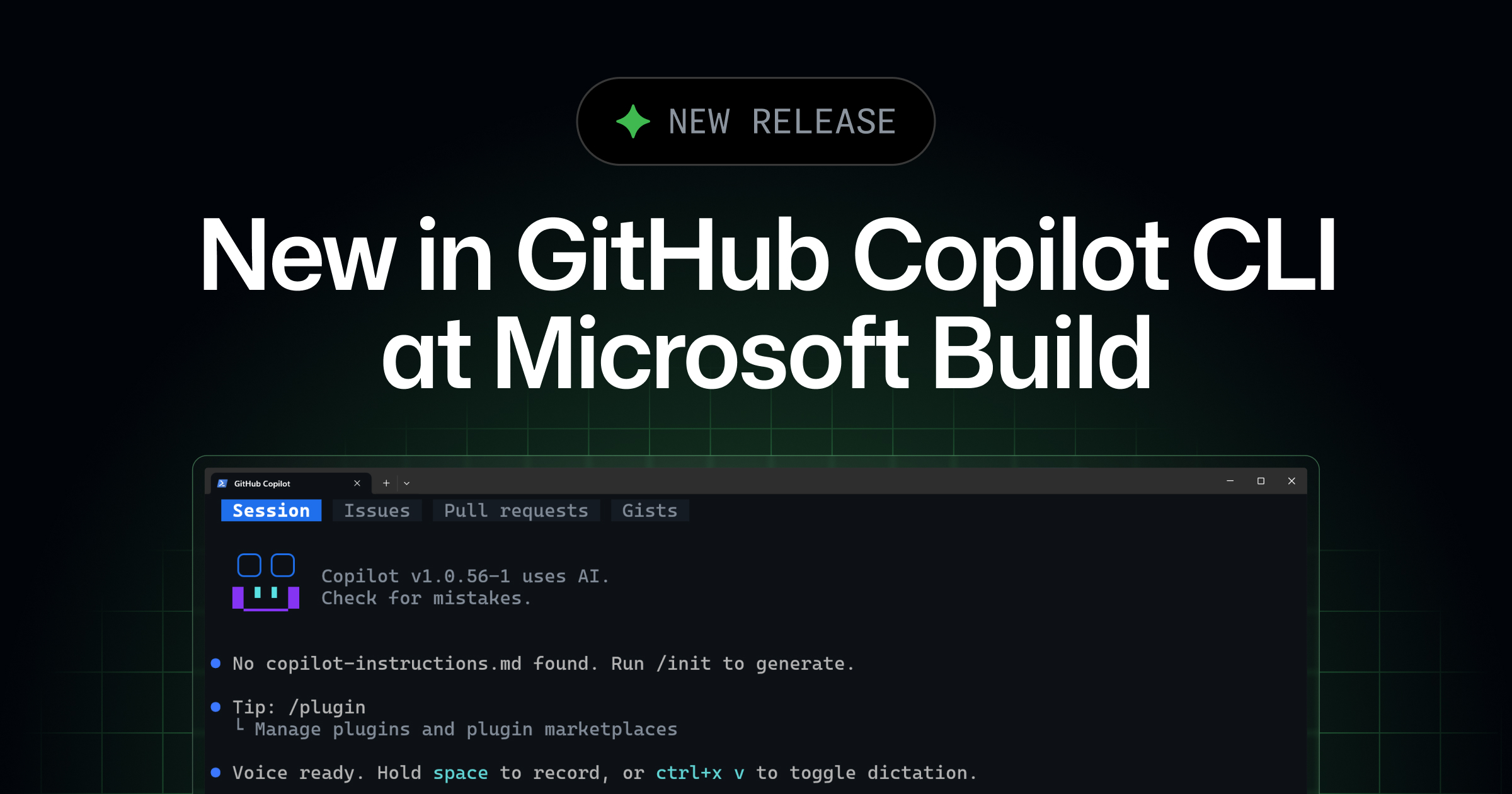
This is one of my favourite patterns.
The fastest way to get better agent output is not always “ask the same agent again.” Sometimes it’s adding a second agent whose job is to challenge assumptions, spot weak reasoning, and push back before the code lands.
That’s why the rubber duck feature caught my eye. It makes critique part of the workflow instead of something you remember after the damage is done.
“Rubber duck is a built-in CLI agent that acts as a constructive critic.” — GitHub
5. VS Code is opening the agent stack with BYOK
VS Code’s 1.122 update is another piece of the same puzzle.
Bring-your-own-key support without sign-in means developers and teams can start composing their own model access patterns more freely. That matters when agent workflows start touching real repos, real infra, and real review gates.
The IDE is becoming less of an editor and more of an agent control surface.
“BYOK works without signing in.” — Visual Studio Code
🧰 Worth your time
-
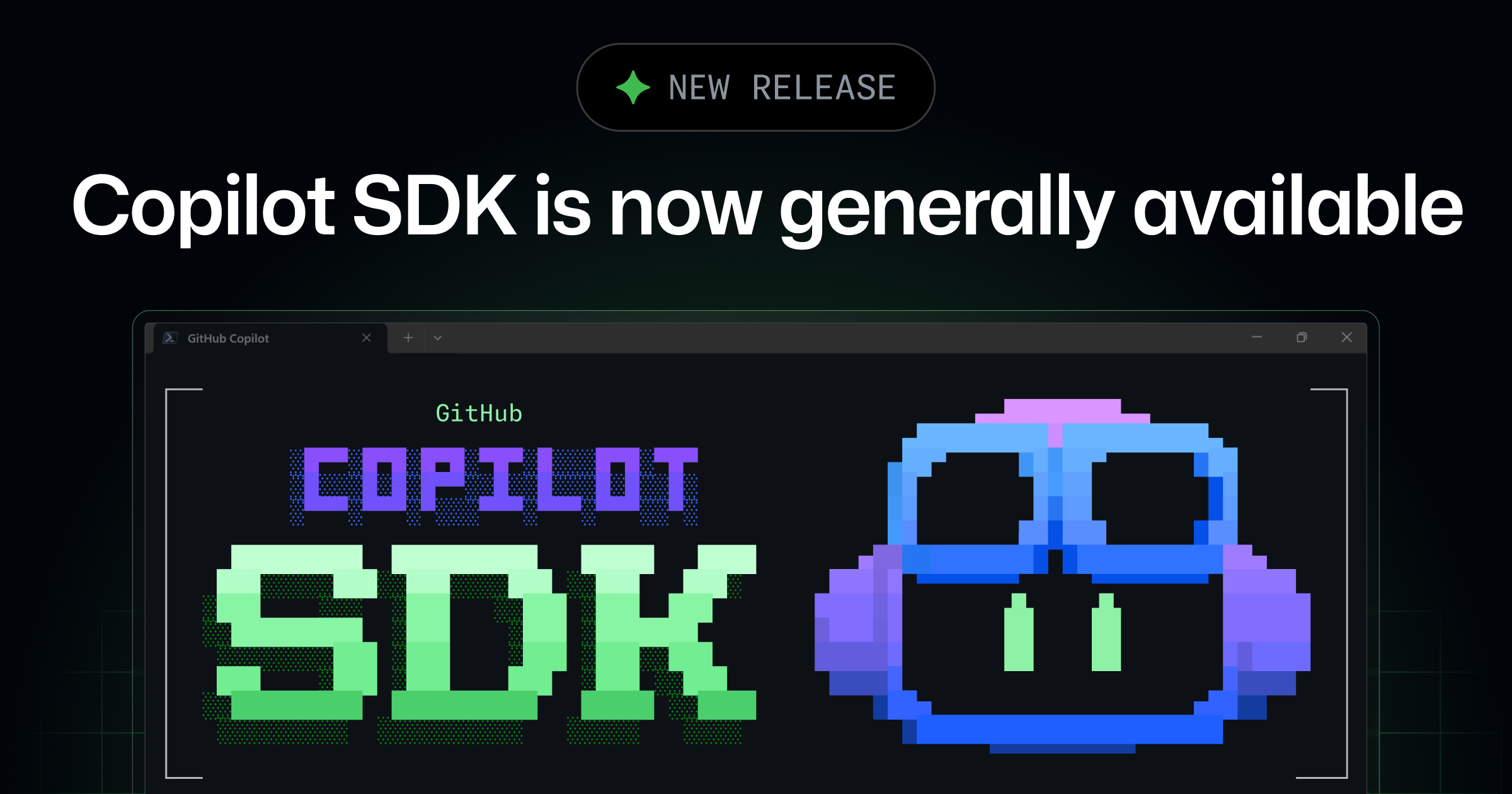
Copilot SDK is generally available — GitHub is making the agent engine embeddable, which means agentic coding is going to show up inside more internal tools, dashboards, and product workflows.
“You can embed GitHub Copilot’s agentic engine into your own applications.” — GitHub
-
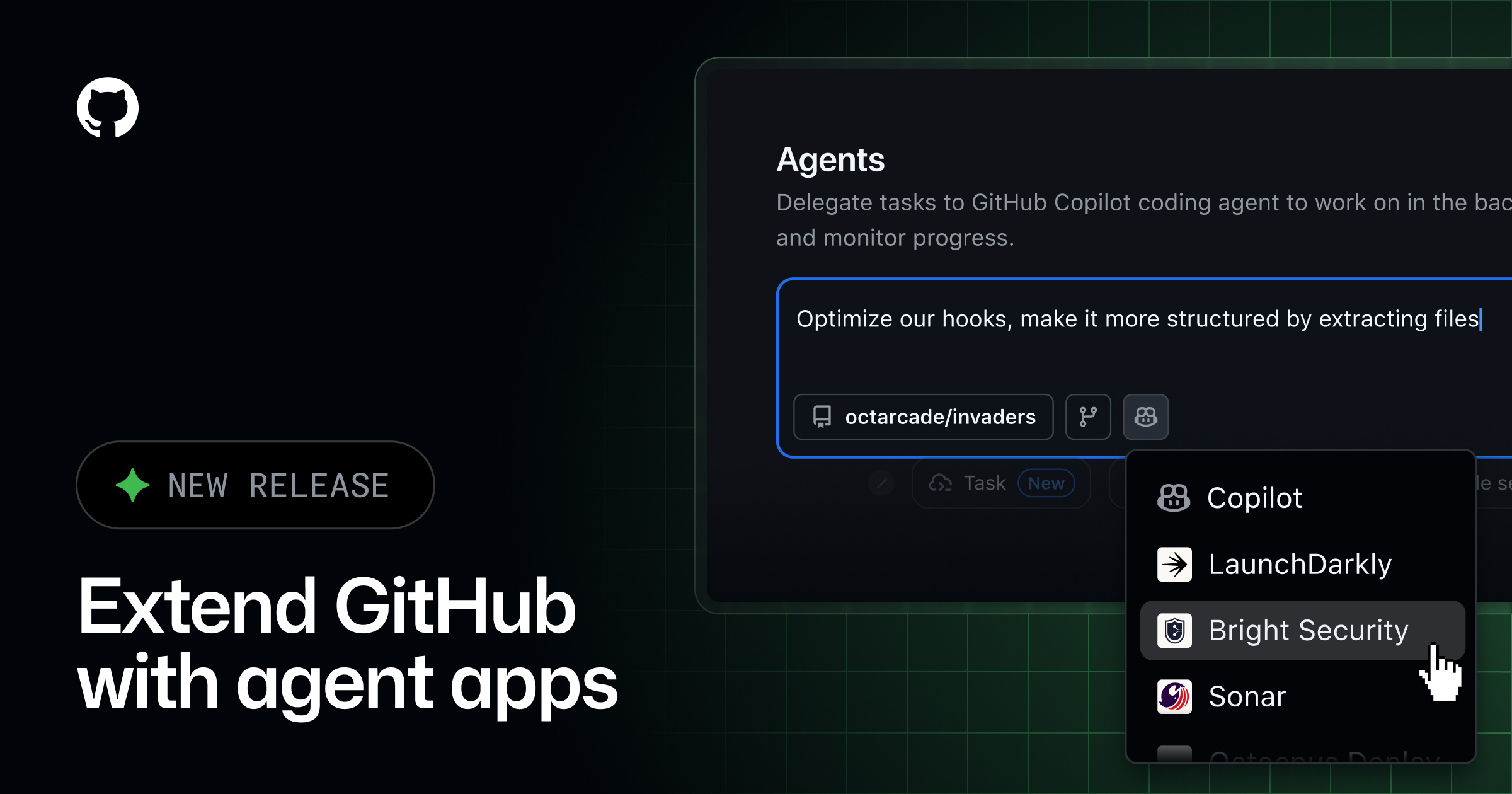
GitHub agent apps — This is marketplace thinking applied to agents. Expect teams to install specialized agents the same way they install GitHub apps today.
“Agent apps are AI agents from GitHub partners, installable from the GitHub Marketplace.” — GitHub
-
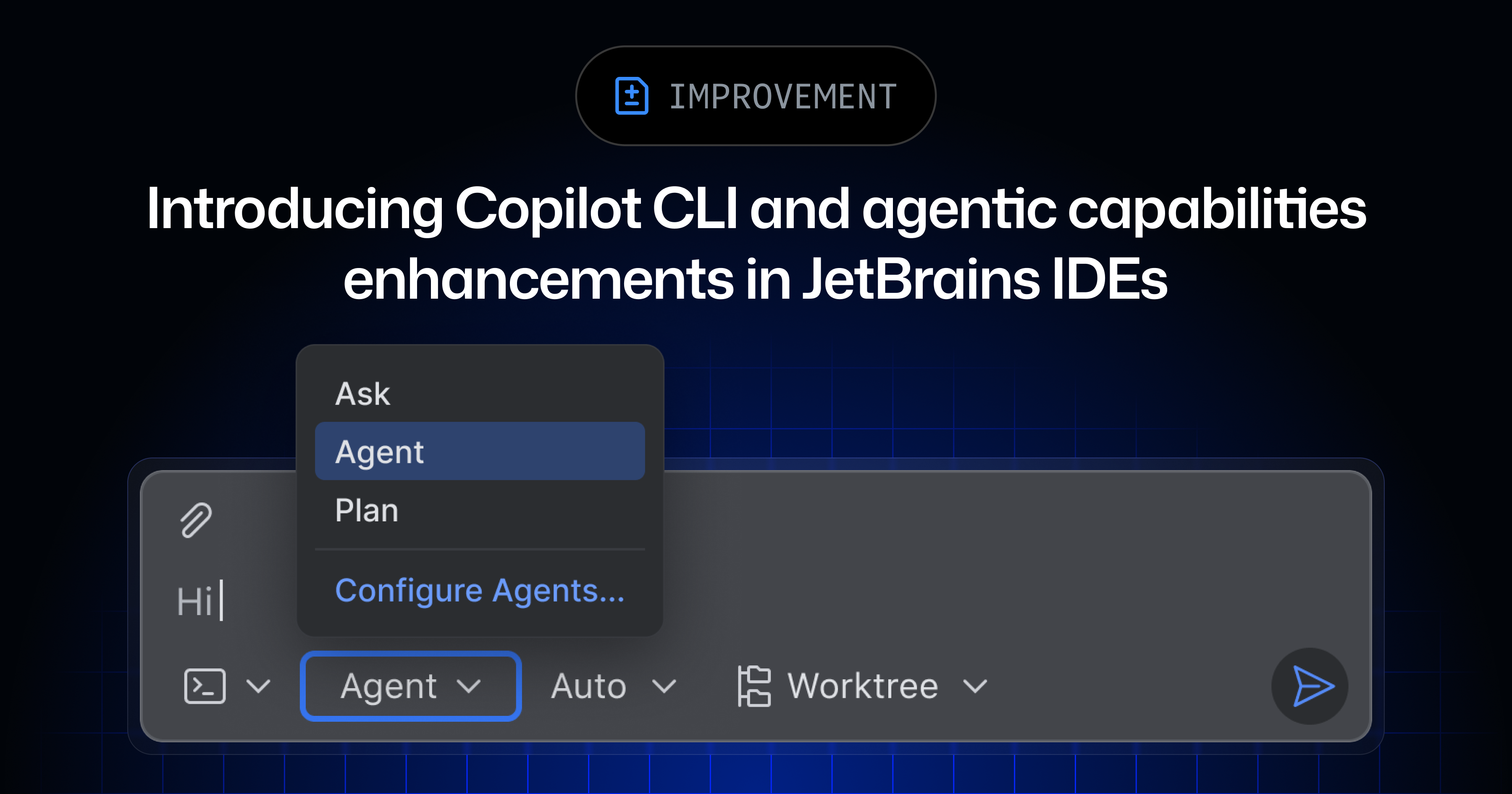
Copilot CLI and JetBrains agent upgrades — The “agent picker” idea is small but important. Choosing the right agent for the right job will become a normal developer habit.
“Copilot CLI agent now includes an agent picker.” — GitHub

-
How Anthropic contains Claude — This is the article I’d send to any dev who thinks agent safety is boring. The more capable the agent, the more seriously you need to think about boundaries.
“As agents grow more capable, so does their potential blast radius.” — Anthropic
My weekly message to YOU!
Here’s the move this week:
Don’t add another AI tool. Add one supervision rule.
Pick one agent workflow you already use and tighten it:
-
What files is it allowed to touch?
-
What command must it run before finishing?
-
What should it never do without asking?
-
What does “done” actually mean?
-
Who reviews the diff before it lands?
That sounds simple, but this is where the real leverage is.
The devs who win with agents won’t be the ones who blindly accept the most code.
They’ll be the ones who can delegate clearly, contain risk, review properly, and keep quality high while the agents do more of the mechanical work.
Are you already using coding agents like teammates, or are they still just a chat box in your IDE? Hit reply and tell me what’s working.
I read every single one.
Talk soon PAPAFAM,
Sonny 👋🏼
👇🏽 Don't forget to follow me across socials!




Responses