
Astra is here. Now comes the useful question: what should you actually hand it?
Not another throwaway prompt. Give it the awkward bug that crosses three files, the refactor with a failed first attempt, or the UI that needs checking in a real browser.
This week's biggest shift is not just a more capable model. It is the machinery around longer jobs: remembering what happened, running in the right environment, and making the result easier to review.
That is where AI coding starts saving you attention, not just keystrokes.
🔥 The Big One
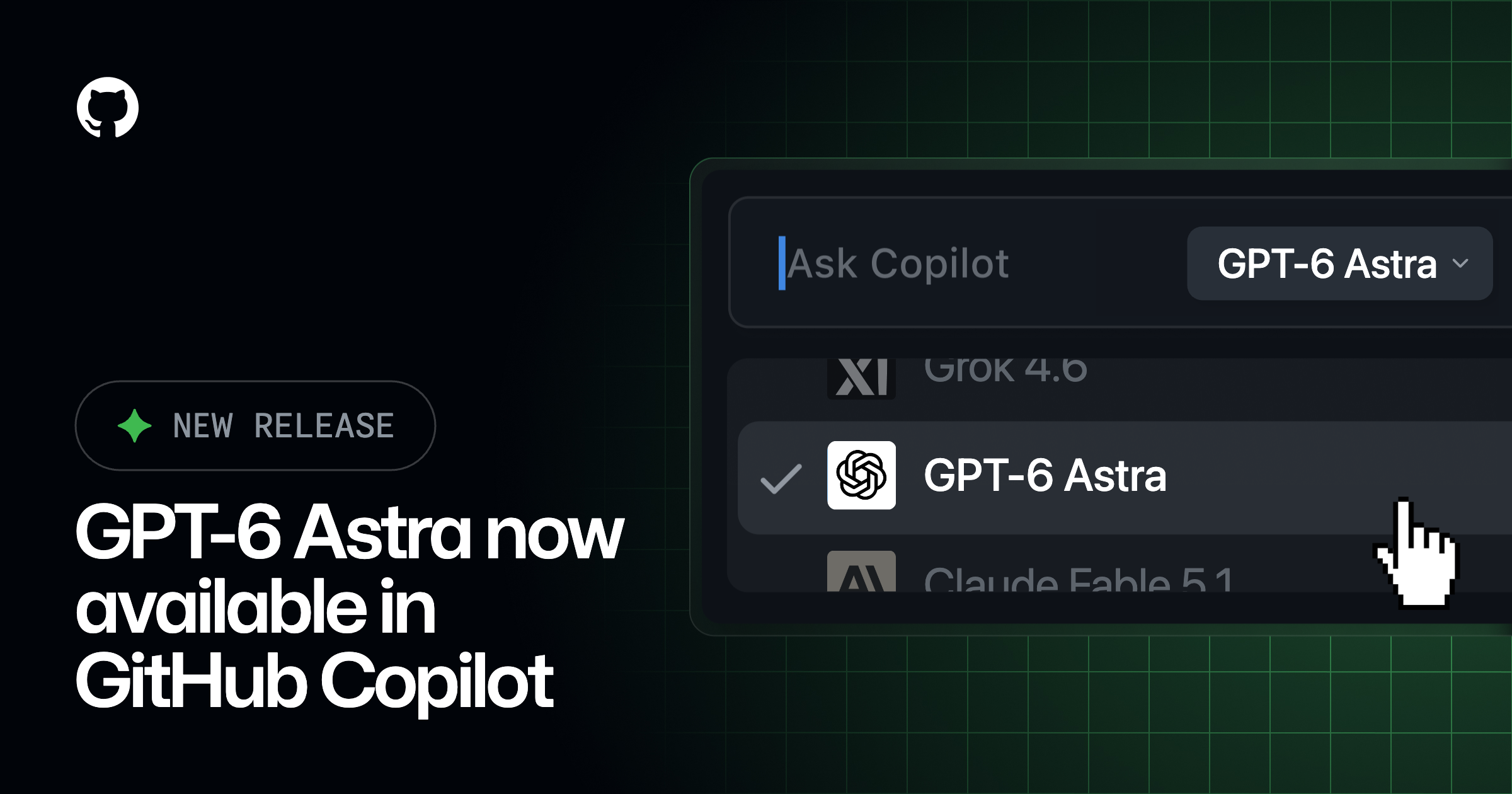
GPT-6 Astra has launched. The coding detail worth watching is memory.
OpenAI announced GPT-6 Astra on 3 September, moving it from the upcoming model we covered in August into a staged rollout. OpenAI names ChatGPT paid plans, its API, Azure and Bedrock as availability surfaces. That does not mean every account received access on day one.
The coding feature I would watch is experimental context handling in Codex. Instead of relying only on a compressed summary when a session fills up, Astra can keep notes across context windows and search earlier messages and tool outputs.
“Earlier context windows remain searchable, so Astra can find requirements or test results from previous messages and tool outputs—even if that information wasn’t captured in its notes.” (OpenAI)
⚡ What shipped this week
1. Gemini 3.8 Flash gives the same job another serious contender

Google introduced Gemini 3.8 Flash on 2 September, with a focus on reasoning and agentic work. The useful caveat is in Google's own announcement:
“At times, the model might use more tokens to maximize performance, especially at higher effort levels.” (Google)
Do not mistake a familiar Flash label for a familiar workload. Try the same bounded task at different effort settings and inspect the result, elapsed time and total usage. Its introductory pricing is temporary, expiring on 31 December. The separate Flash Cyber variant is restricted to trusted defenders, not an unrestricted option for every API user.
2. Cursor lets you choose where the agent runs its tools
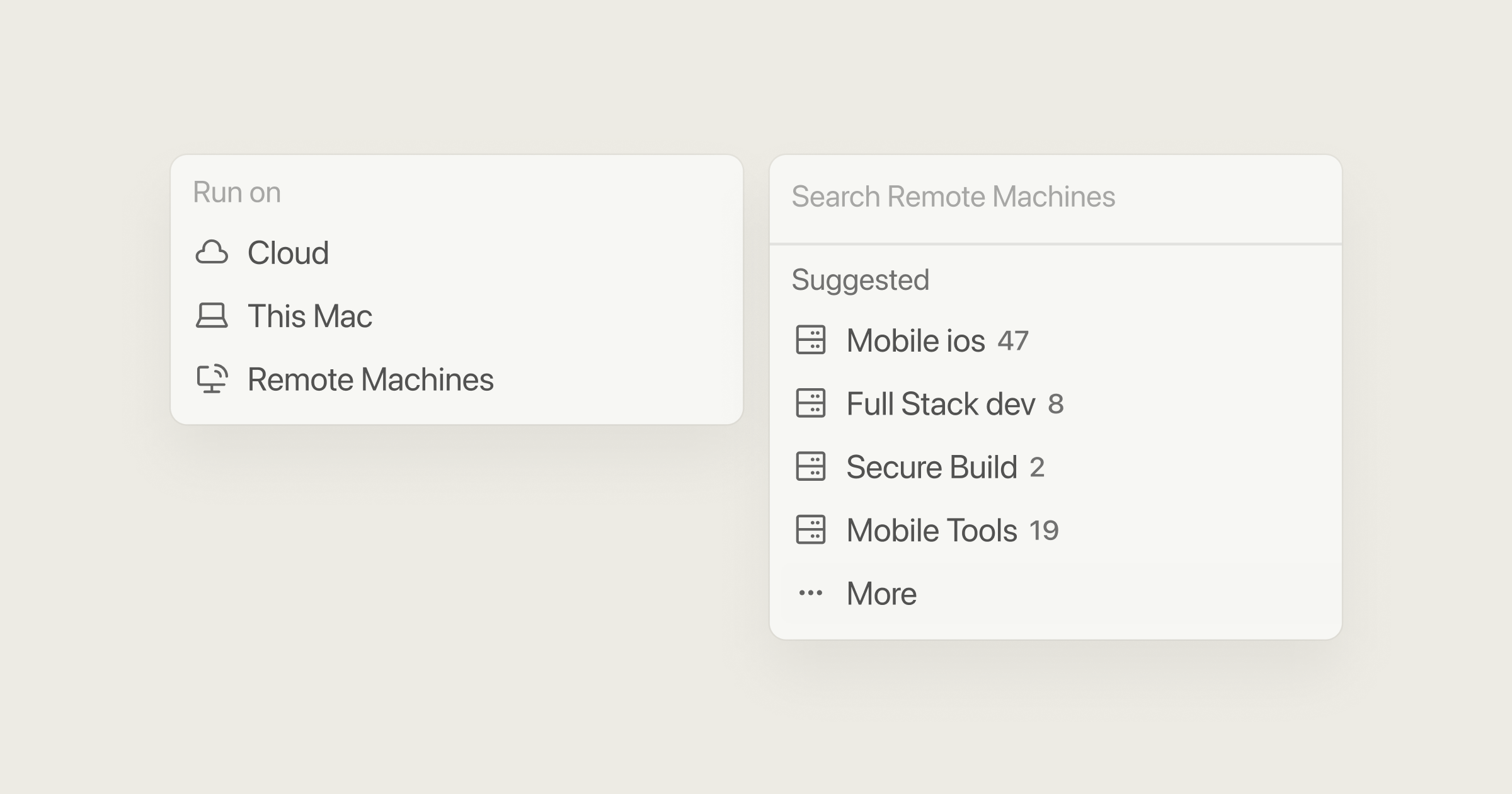
Cursor's self-hosted machines update puts tool execution on your own infrastructure. A personal machine or team worker pool can handle the job, and Linux and Mac workers support computer use.
“Self-hosted workers now support computer use on Linux and Mac.” (Cursor)
This is not self-hosted model inference. Vercel's integration explains that Cursor still manages the agent harness and inference loop, and specifies a Cursor Enterprise requirement.
The practical gain is environment fit: run the commands and tests where your dependencies already work. Do not turn that into a blanket claim that no information reaches a hosted model. Execution location and inference privacy are different questions.
3. PR Lens makes a big diff easier to understand
PR Lens turns pull requests into animated architecture and data-flow diagrams inside the PR. Its repository offers a GitHub App, Action, CLI and coding-agent skill.
“PR Lens draws every pull request as animated architecture and data-flow diagrams, posted as a comment inside the pull request itself” (PR Lens)
This is a useful answer to the review bottleneck: code generation gets faster, but understanding the change still takes effort. Start with the diagram to see which components connect, then verify that picture against the actual diff. A convincing animation is a navigation aid, not proof of correctness.
4. Airtop separates repairing an automation from deploying it
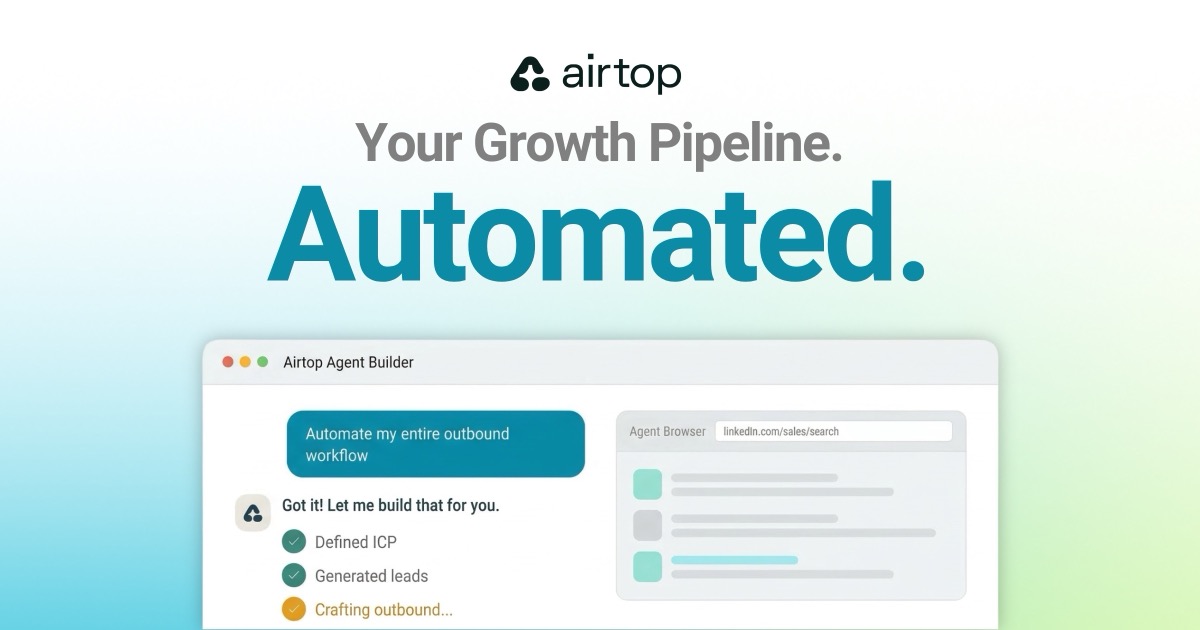
Airtop Agent Builder compiles browser automations into reusable code. When an automated run breaks, it diagnoses the failure, drafts a repair and tests it.
“The repair stays a draft until you deploy or discard it. Airtop never changes your live agent on its own.” (Airtop)
That is the detail worth keeping from the “self-healing” pitch. Fixing a moved button is one thing; quietly changing a live workflow is another. For repetitive browser work, test whether the repair preserves the original inputs, outputs and stopping conditions, not merely whether the next run goes green.
🧰 Worth your time
-
dif.sh: Feature flags and experiments stored as Markdown in your repo, with context for coding agents. Useful when the next experiment should remember what the previous one taught you.
-
Kombai Gallery: Curated UI references with copyable prompts for coding agents. Give your agent a concrete visual direction instead of asking for something vaguely “modern.”
-
Google's four agent-engineering patterns: Practical architecture lessons, including deterministic checks before model calls and holding fallback models to the same quality bar.
This week's challenge: choose one unfinished coding task. Write down the requirement, the failed approach and the exact test that would prove it is fixed. Then see whether your agent can finish without asking you to rebuild that context.
Where does your coding agent lose you today: remembering the job, running it, or explaining what changed?
Hit reply and tell me.
I read every single one.
Talk soon PAPAFAM,
Sonny 👋🏼
👇🏽 Don't forget to follow me across socials!



Responses